

Pro
Shake
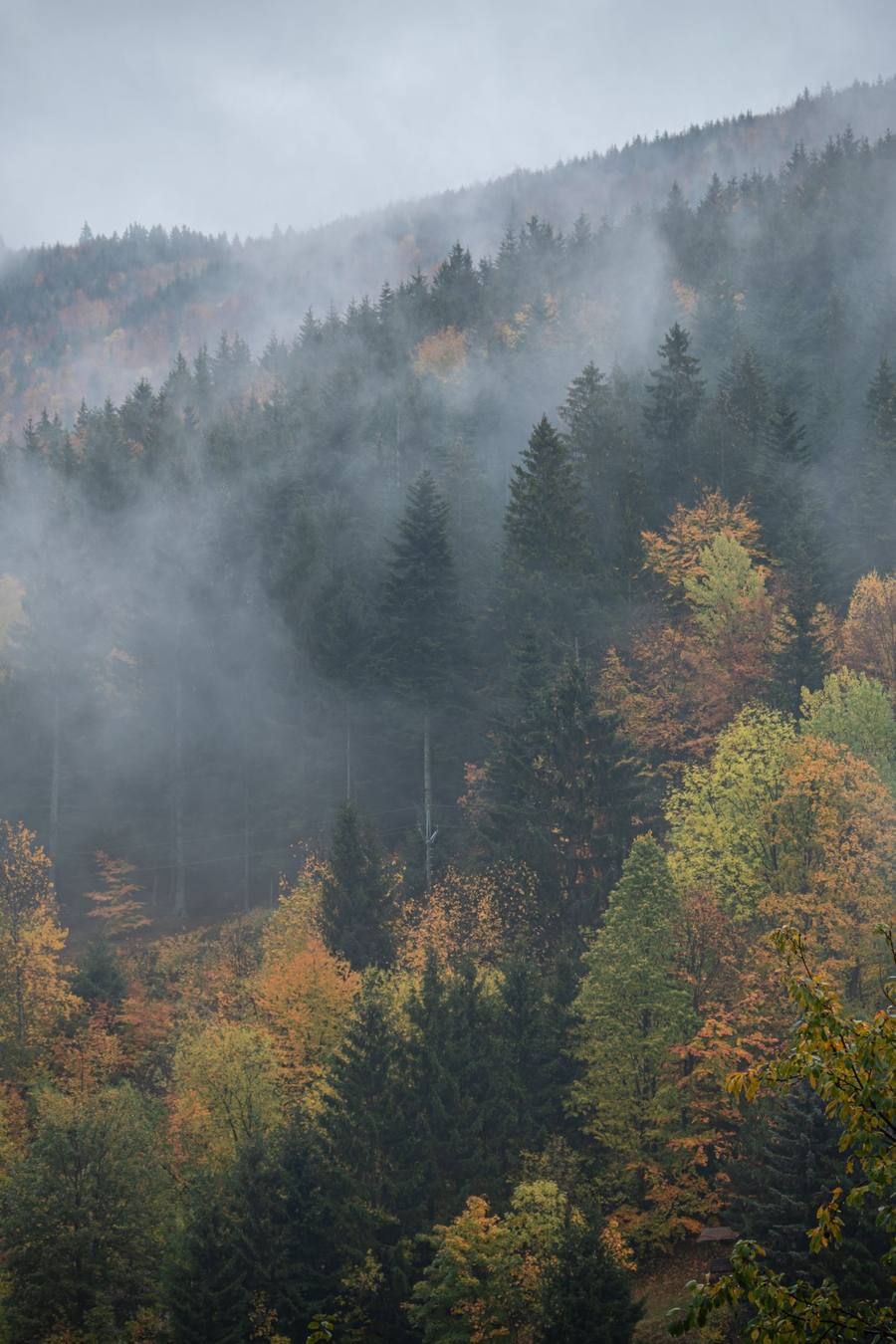
Give the phone a quick shake and the drops tremble, break loose and run down the glass. The harder the shake, the smaller the drops that go. Once the phone is still, they settle again.
Live weather wallpaper · Android
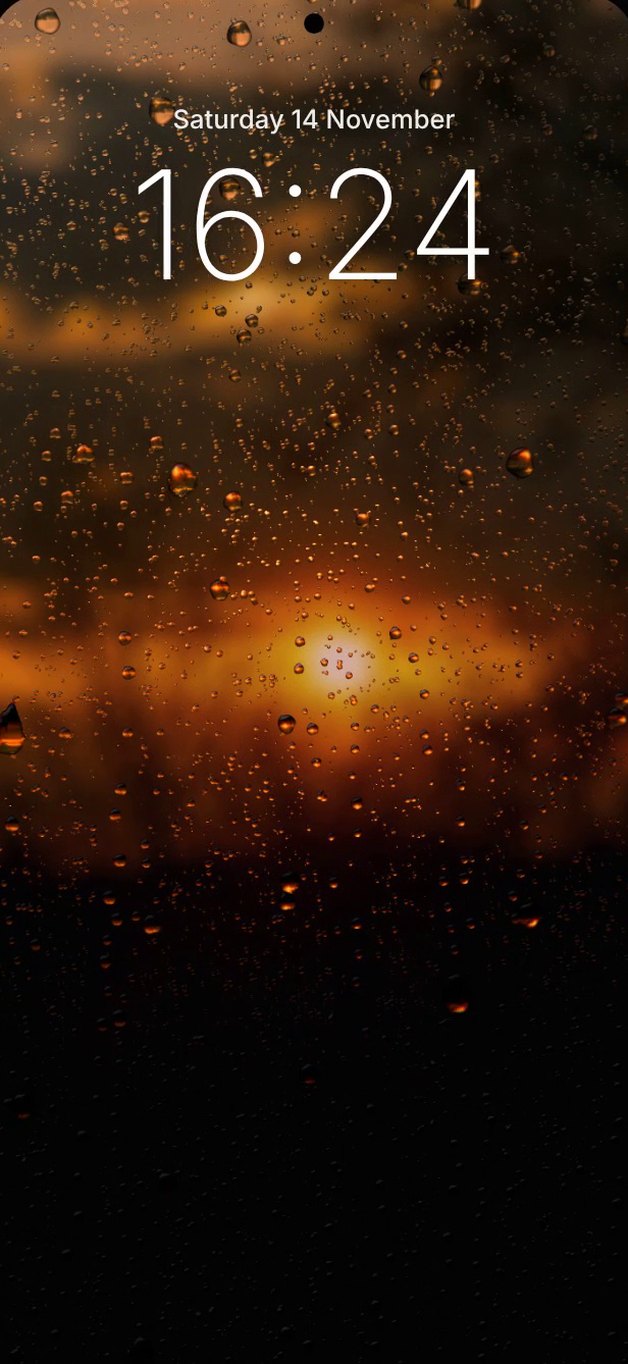
Real rain, mist, frost and snow on the glass, over real photos that follow the time of day. When it rains where you are, it rains on your phone: on your lock screen, your home screen, or both.
Launching soonRainGlass launches in a few days. Follow along, or email us to be told the day it’s out.
You are on an iPhone or iPad. RainGlass is for Android only and is not available for iPhone.
On a computer?Scan this with your Android phone's camera to open this page there, then tap Download.
Features
Weather updates every 15 minutes from your approximate location, or from a town you type in. Scroll to see what turns up on the glass. It runs on your lock screen, your home screen, or both.
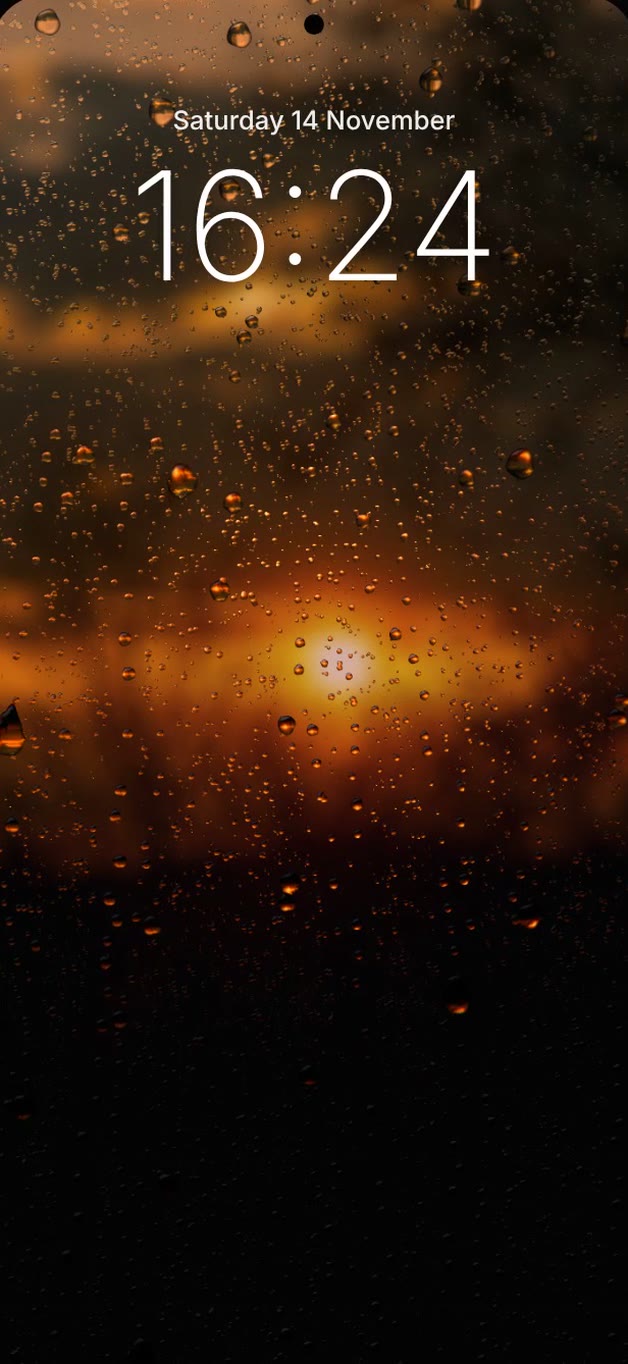
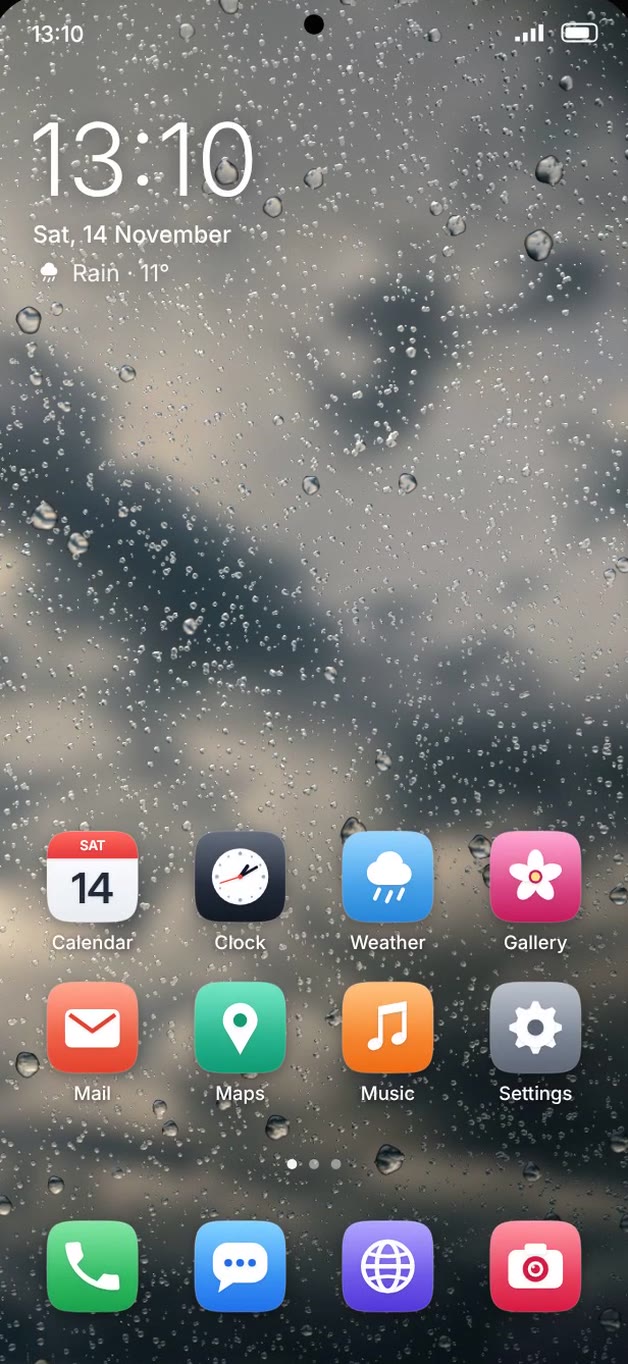
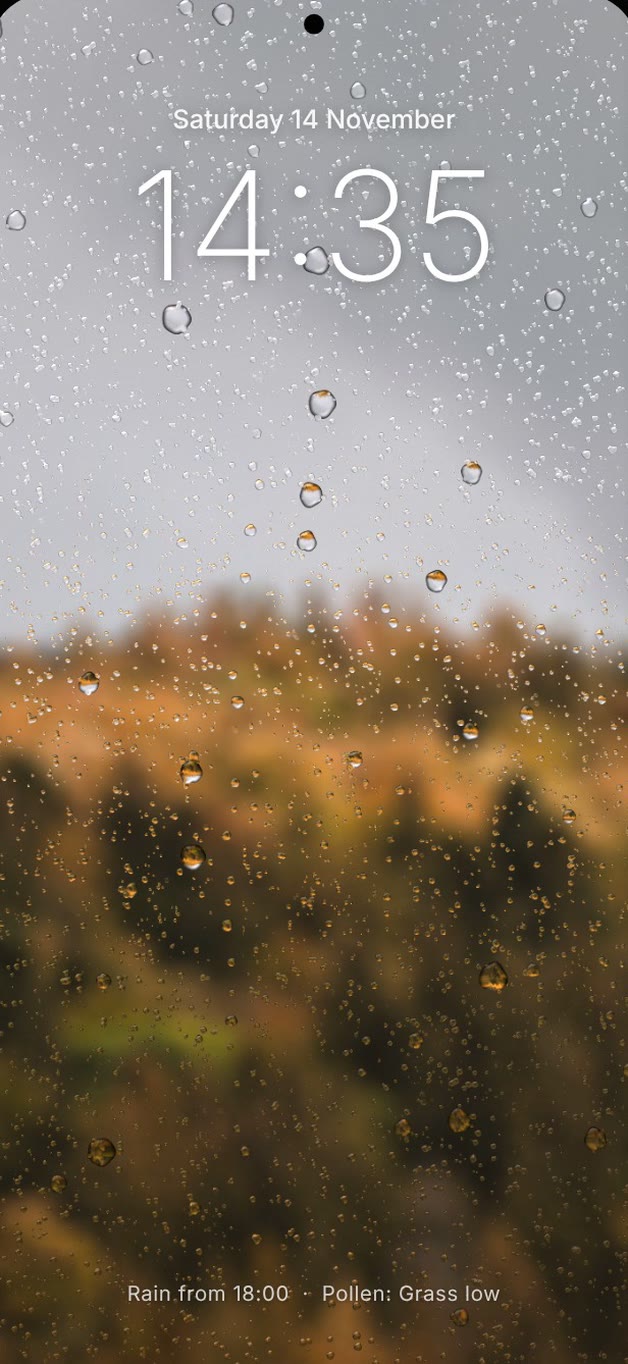
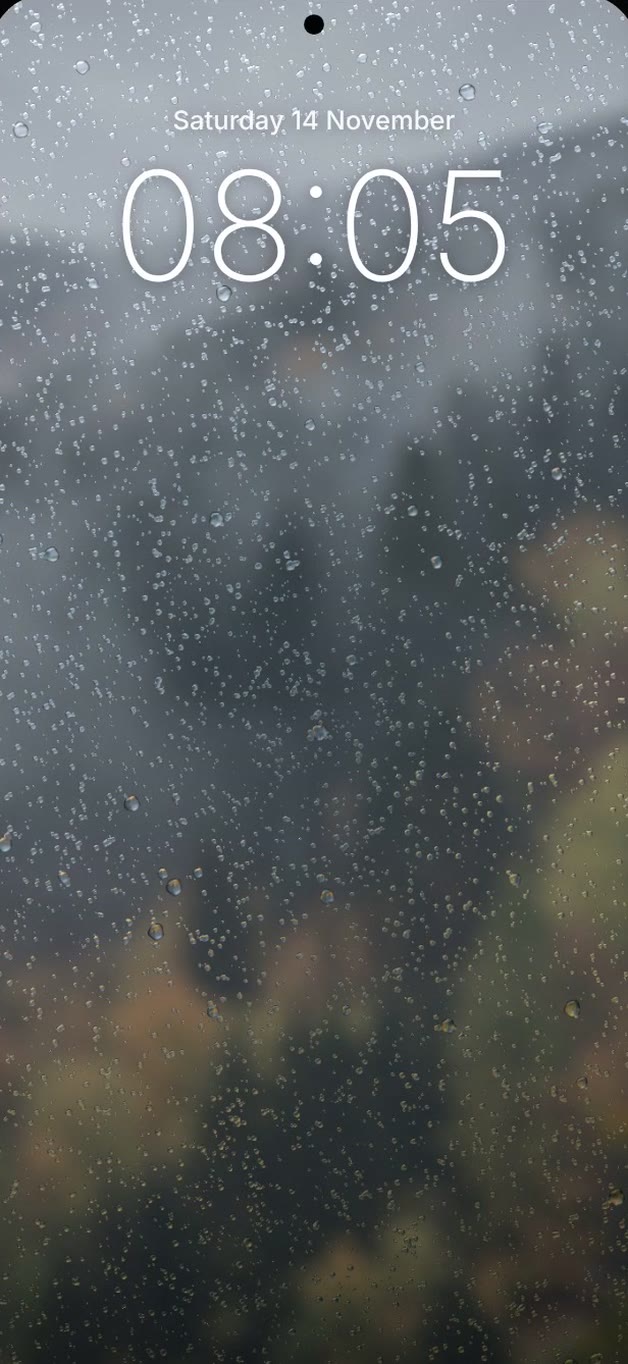
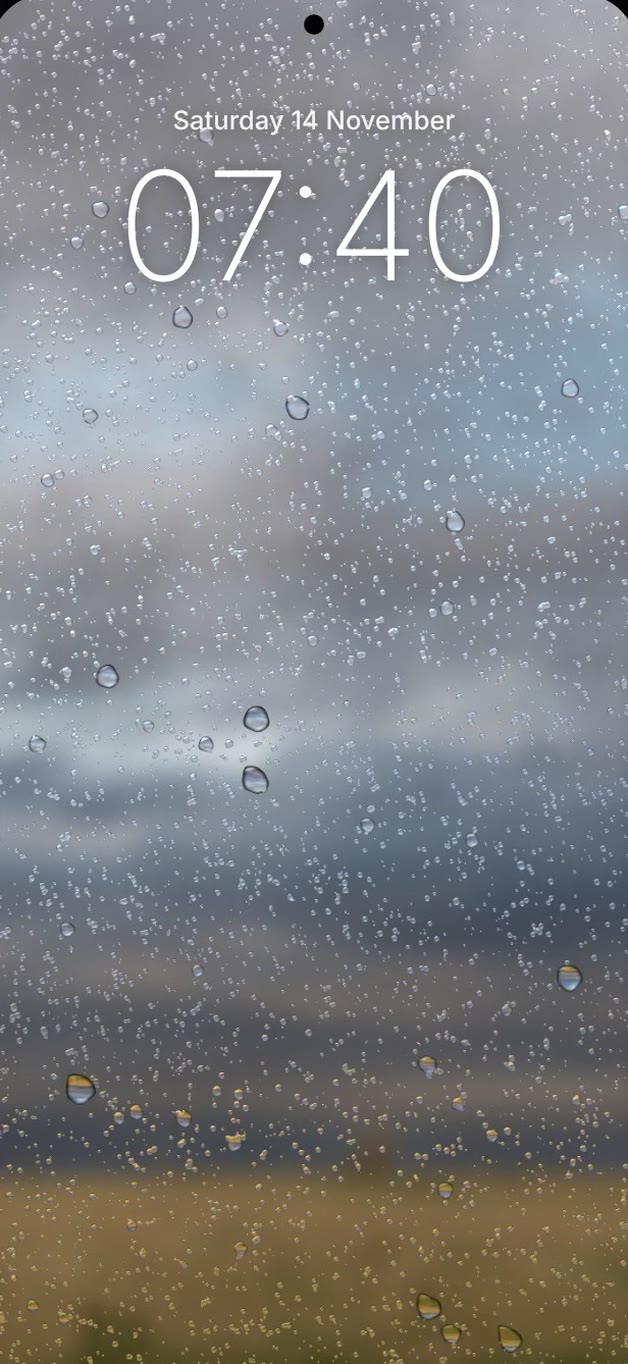
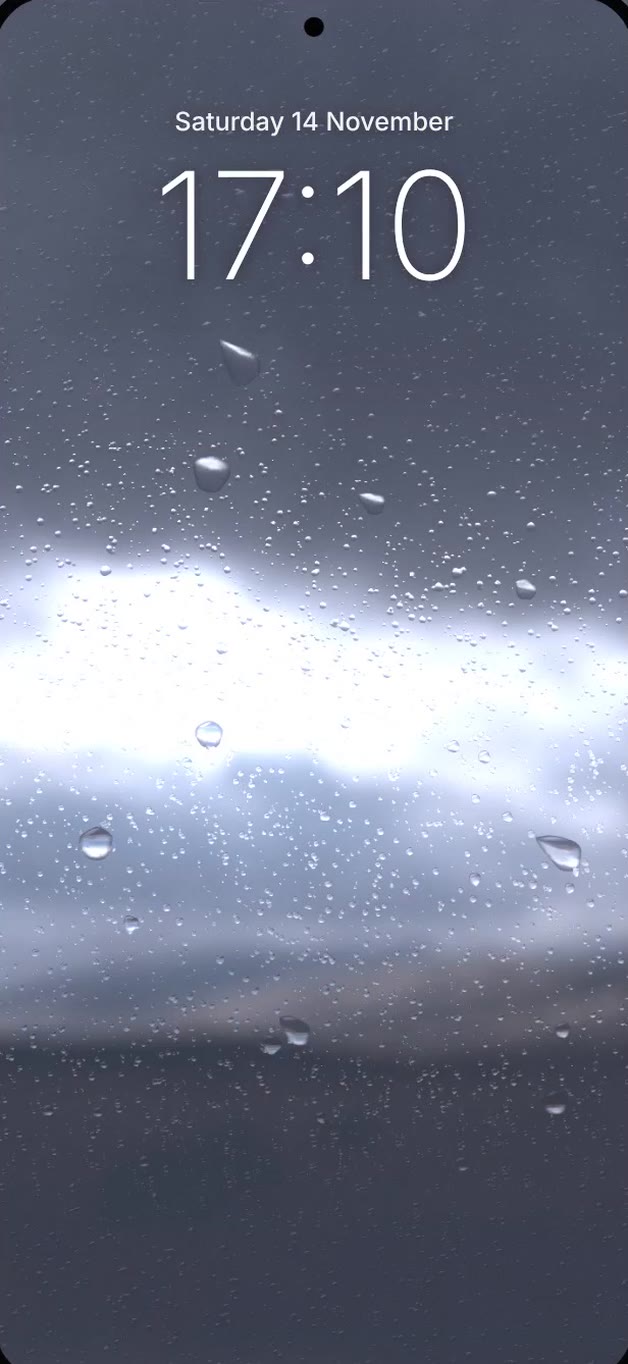
When it rains where you are, drops land on the glass, merge and run down the screen, just like a real window.
Set it on the lock screen, the home screen, or both. On the home screen your app icons sit on top and the weather carries on behind them.
When it is dry, a quiet line at the foot of the screen says when rain is due in the next 7 hours (or snow, when it is freezing). You can switch the line off.
On foggy mornings the glass mists over and the view behind it goes soft, as if you breathed on the window.
Strong wind shakes the drops, and the clouds race past behind them.
Heavy rain, lightning that flashes across the glass, and storm wind that pushes the drops sideways.
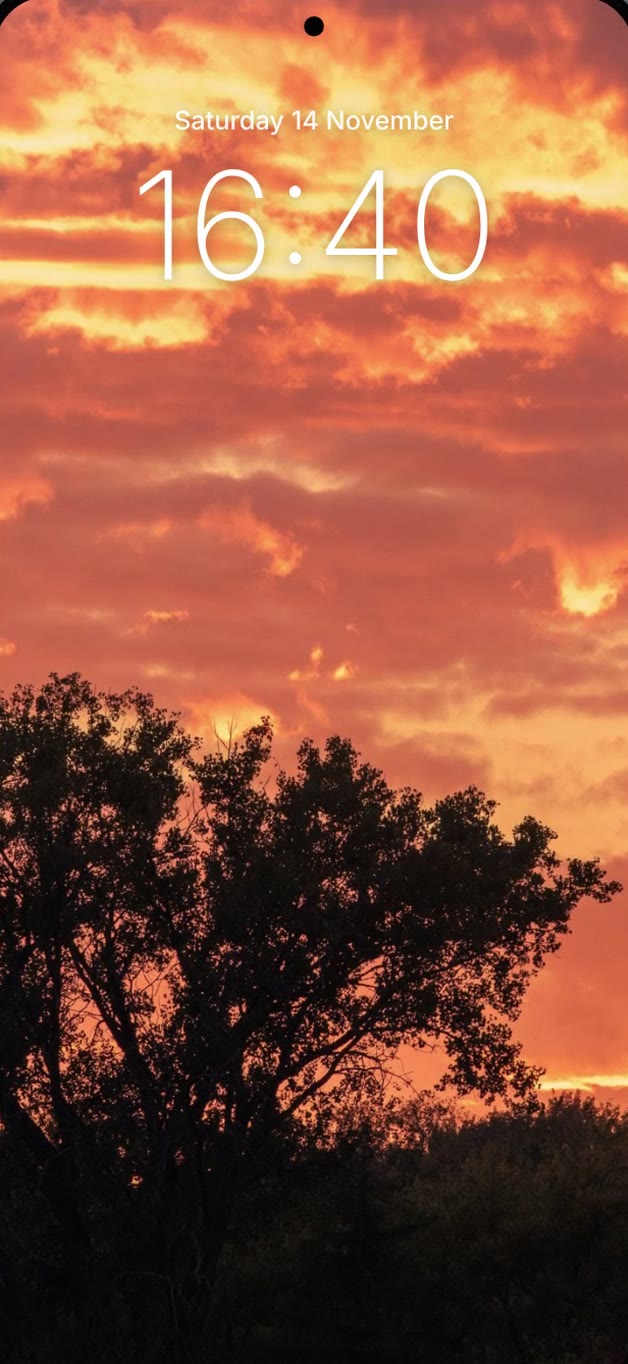
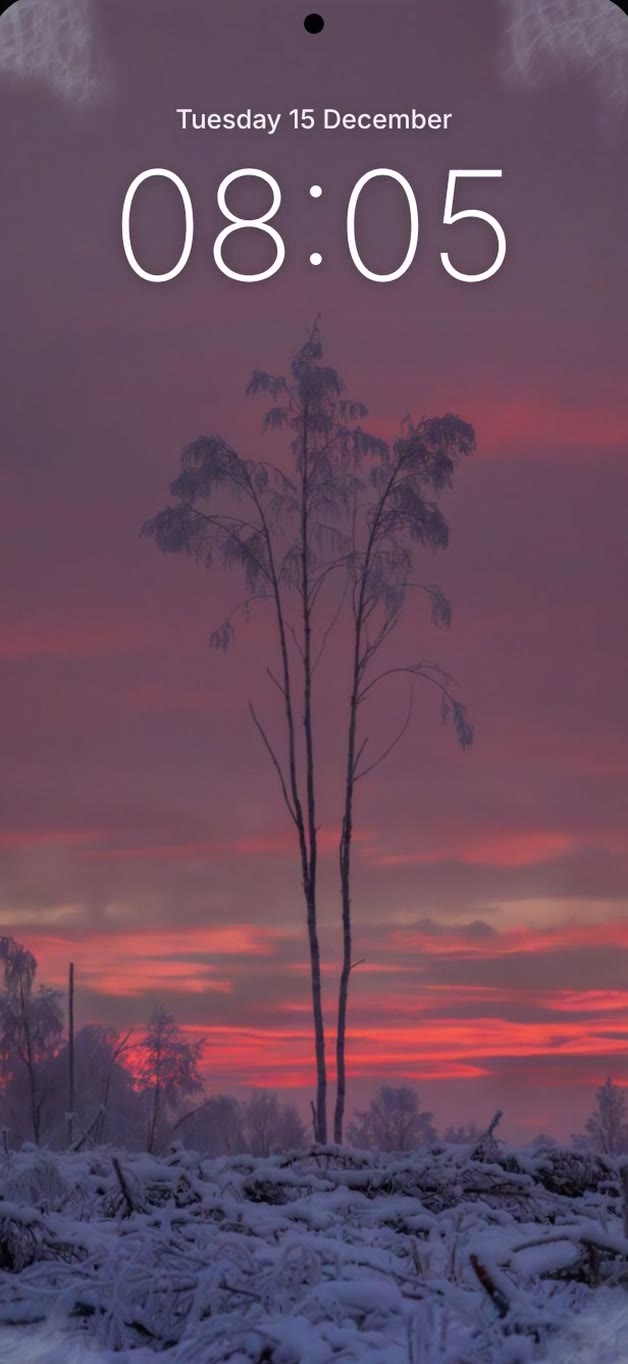
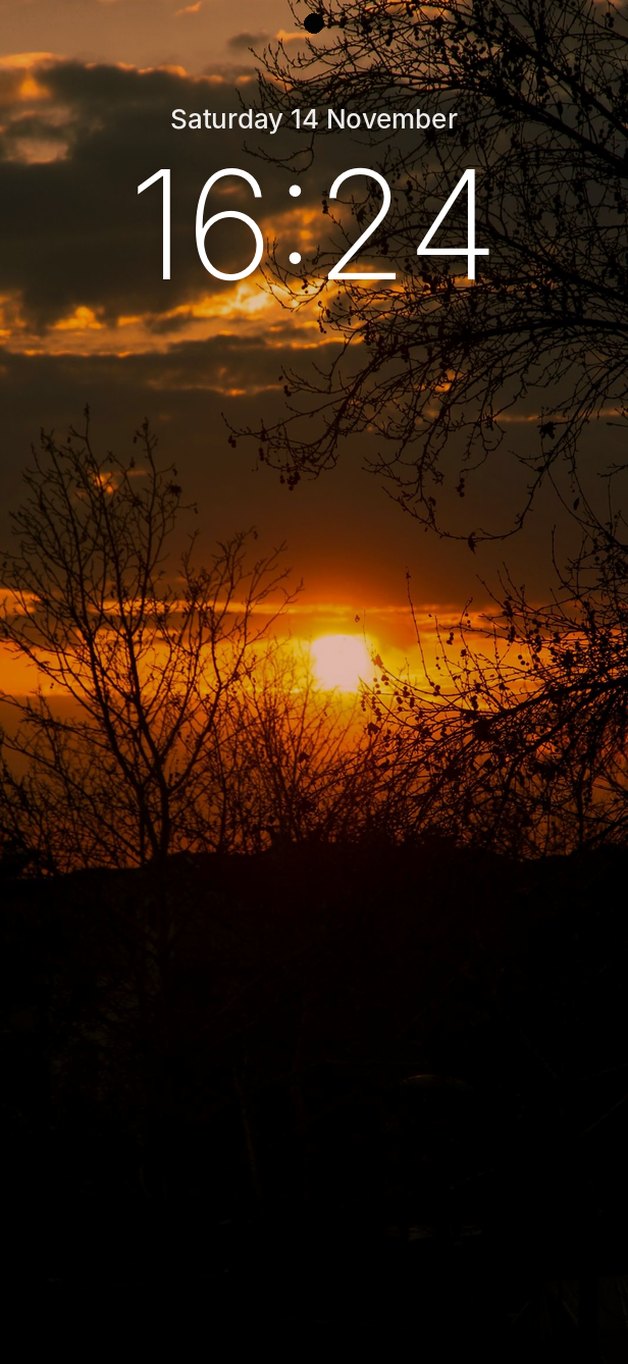
Real photos follow the sun: sunset, the red afterglow, the evening city lights, then the moon.
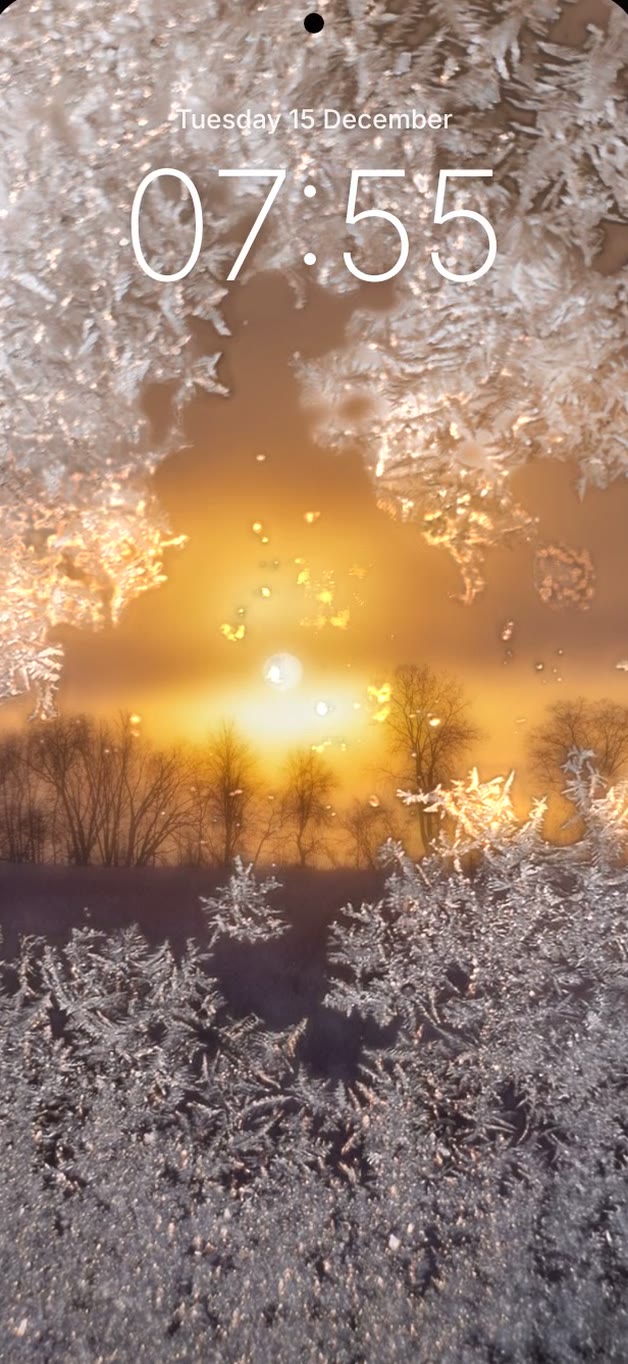
From just below zero, and on clear, calm nights a little above it, frost creeps in from the corners, just as your car windscreen frosts over. When it is very cold it covers the whole glass.
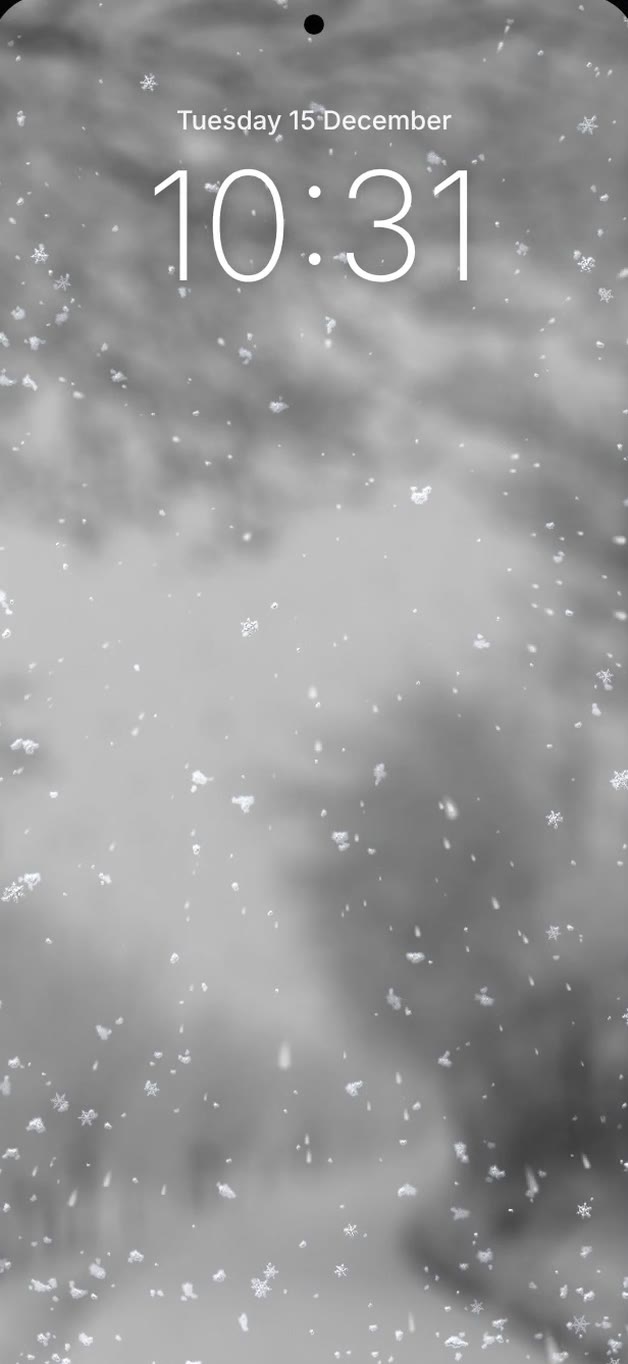
Flakes fly straight at you and settle on the glass, flake by flake.
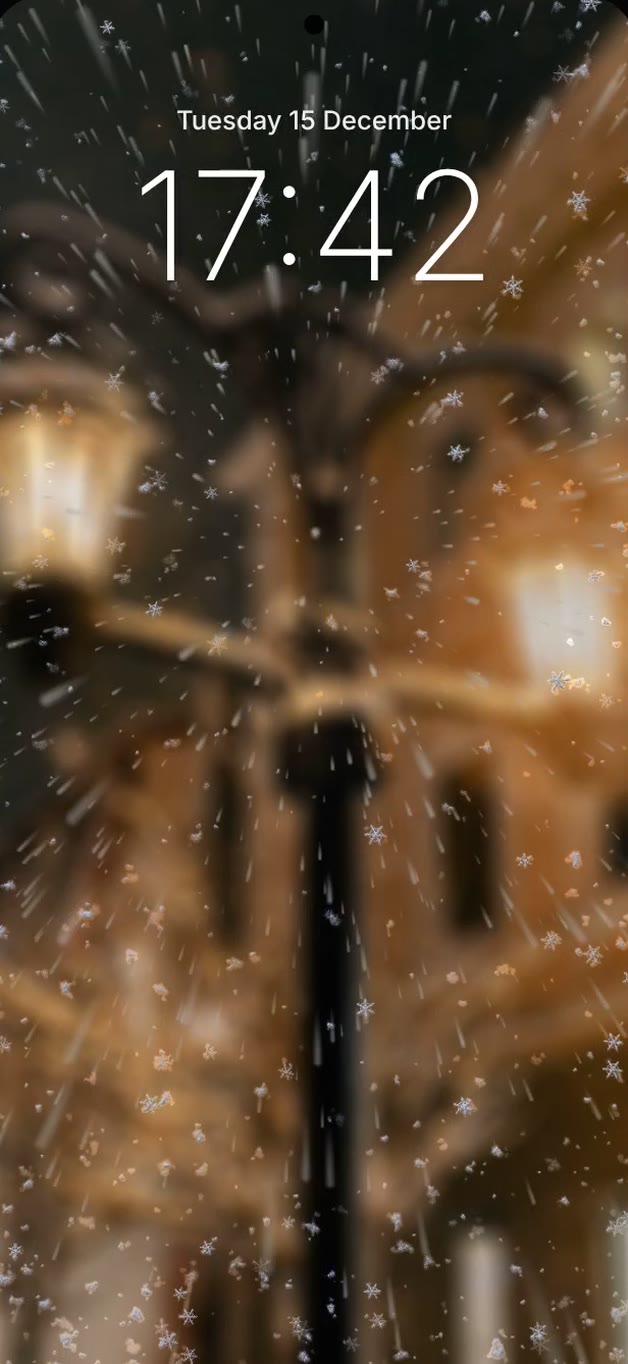
In a blizzard, thick fast snow rushes at the glass, like driving through a snowstorm at night.
New photos for every season: autumn colours now, frosty scenes from December.
Pro · Motion
The drops react to your hands. Shake them loose, or turn the phone and watch them change direction.
Give the phone a quick shake and the drops tremble, break loose and run down the glass. The harder the shake, the smaller the drops that go. Once the phone is still, they settle again.
Drops always run down, the way you hold the phone. Turn it sideways and they run sideways. RainGlass uses the motion sensor only while the screen is on, and you can switch it off in settings.
Demo
Every feature in 70 seconds: rain, the rain-coming line, lock and home screen, mist, wind, storm, sunset to night, frost, snow, the snowstorm, shake, tilt, your own photos and the seasons.
Made with the app's own effects engine.
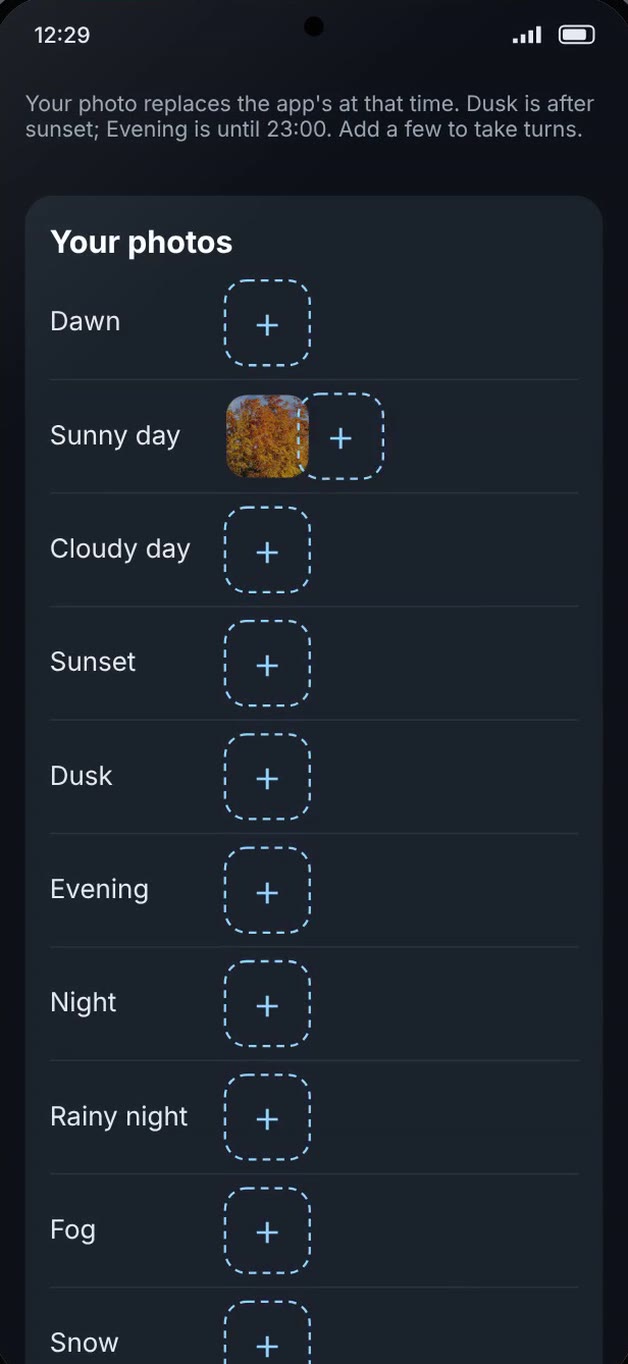
Pick photos from your phone for any time of day or weather: dawn, sunny or cloudy day, sunset, dusk, evening, night, rainy night, fog and snow. Add a few and they take turns. Rain, mist and snow still land on top, and your photos stay on the phone.
Free vs Pro
Both versions use the same real photos and live local weather. Pro adds the effects on the glass, motion and your own photos, for one payment of £2.99. No subscription.
The living photo wallpaper, with no effects on the glass.
 Free
Pro
Same dusk photo. Left: Free, no effects. Right: Pro, rain on the glass. Drag the line, or use the arrow keys.
Everything in Free, plus the weather on the glass. Shake the phone to make the drops run, or turn it and they follow. See how
Secure checkout by Stripe or PayPal. RainGlass never sees your card details.
After paying, you come straight back to the Pro download page, with the same install steps. Android only.
Tip jar
RainGlass is made by one independent developer. No ads, no trackers, no subscriptions. If you enjoy it, a small tip helps keep it updated. Free users are welcome to tip too.
You choose the amount on the next page.
A tip is a gift. It does not unlock Pro and it is not refundable.
Install
RainGlass is sold directly, not through Google Play. So Android asks you to allow the install, as it does for any app from outside the Play Store.
The warnings below are normal. Each one takes a tap. It takes about two minutes.
Every APK is signed by the developer. Updates must carry the same signature, so Android will not install a changed copy over yours.
not set yetChrome may say the file can be harmful. Tap Download anyway. It says this for every APK, not just this one.
Tap the downloaded file. If Android asks, tap Settings, then turn on Allow from this source for Chrome and go back.
Turn Auto Blocker off for a moment in Settings > Security and privacy > Auto Blocker. Turn it back on afterwards.
Google Play Protect says this about apps it has not seen before. Tap More details > Install anyway.
Allow approximate location, or type your town. Tap Set as wallpaper, then choose Home screen, Lock screen or Home and lock screens.
You can turn Allow from this source off again for Chrome. RainGlass keeps working.
Privacy and safety
This is everything RainGlass uses, and why. This website has no trackers or analytics either.
Compatibility
Samsung, Google Pixel, Motorola and Nothing phones normally allow live wallpapers on both the home and lock screen. On some Xiaomi, Redmi and POCO, Huawei and Honor, OPPO, realme, OnePlus and vivo models the lock screen is run by the maker’s own Themes app, so RainGlass may only appear on the home screen there. Try RainGlass Free first: if it works on your phone, Pro will too.
On Xiaomi, Huawei, Honor, OnePlus and OPPO phones, set RainGlass’s battery use to Unrestricted (Settings > Apps > RainGlass > Battery) so the weather keeps updating.
FAQ
No. RainGlass is Android only. Not available for iPhone.
Like every live wallpaper, it only draws while the wallpaper is on screen, and it rests when an app covers it or the screen is off. Weather is checked every 15 minutes, which uses very little power. Free has no effects on the glass, so it uses the least.
Very little. Each weather update is a small text response of a few kilobytes. The photos are inside the app, so nothing large is downloaded.
Yes. The photos keep following the time of day, and the last weather stays on the glass until the phone is back online.
RainGlass is not in the Play Store, so it does not update by itself. New versions are posted on this page. Download the new APK and install it over the old one: your settings stay, because every version is signed with the same key.
Pay by debit or credit card, Google Pay or Apple Pay through Stripe's secure checkout, or use PayPal. It is a one-off £2.99, not a subscription. The Pro download link appears straight after payment.
Pay £2.99 once, by card, Google Pay, Apple Pay or PayPal. You are brought straight back to the Pro download page, with the same install steps. Your payment provider also emails you a receipt. If you lose the page, email you@example.com with your payment receipt or transaction ID and you will get the link again.
Yes, and thank you. There is a small tip jar by card, Google Pay or PayPal, and you choose the amount. A tip is a gift, so it does not unlock Pro and is not refundable. Support the developer
Yes. Email you@example.com within 14 days of buying, with your payment receipt or PayPal transaction ID, and you will get your money back.
Because it comes from this website rather than the Play Store. Android shows the same warnings for any app from outside the Play Store. See Install, step by step and how to check the file is safe.
Start with Free. Upgrade to Pro when you want the rain on the glass.